
Speak: Language Learning
Speakeasy Labs · Education · $3M/mo · 220K downloads · ★ 4.8
Screens7
4Quiz
Colors
- #0D0E12screen-bg · screen background
- #1A56DBprogress-blue · active segment of progress bar · voice record button
- #2B303Cprogress-track · inactive progress bar track
- #1B1D24chat-bubble · bot chat bubble background
- #FFFFFFtext-primary · chat message text · mic icon
- #17181Fbottom-sheet · voice input action card/sheet
- #D1D5DBpill-text · keyboard alternative text label
Type
- bot chat messageSF Pro Text · 26px · 500 · #FFFFFF
- action button labelSF Pro Text · 24px · 500 · #D1D5DB
Elements
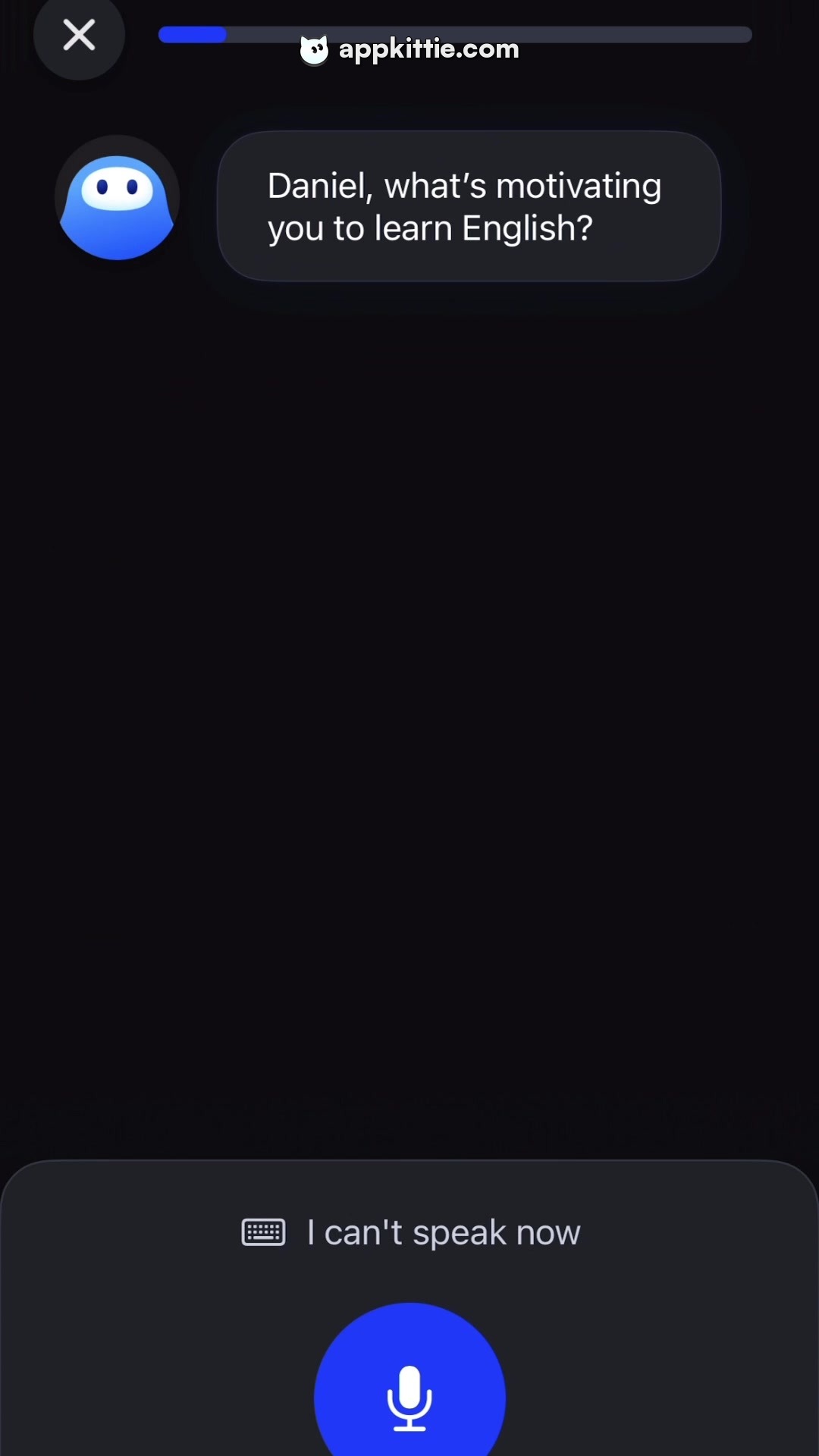
progress bar · progress bar
Top center near close button, roughly 500px wide and 8px high · Horizontal track with rounded ends; left section filled with blue, remainder dark slate
dismiss button · button
Top-left corner, circular 72px diameter · Dark circular button containing white close 'X' icon
speech bubble · container
Top-left area next to bot avatar, approximately 450px wide · Dark grey bubble with rounded corners and two lines of question text
voice recording card · sheet/panel
Docked at bottom of screen, roughly 240px tall · Dark charcoal panel with rounded top corners housing alternate input pill and large center mic button
mic button · floating action button
Centered horizontally in the bottom card, diameter roughly 120px · Circular bright royal blue button with white microphone glyph
Layout
Interactive speaking test/onboarding screen with top step progress, an AI prompt in the upper canvas, and a dedicated bottom voice input drawer.
Notes
The microphone card indicates voice-first interaction with a keyboard fallback toggle ('I can't speak now').
Store


