
Speak: Language Learning
Speakeasy Labs · Education · $3M/mo · 220K downloads · ★ 4.8
Screens7
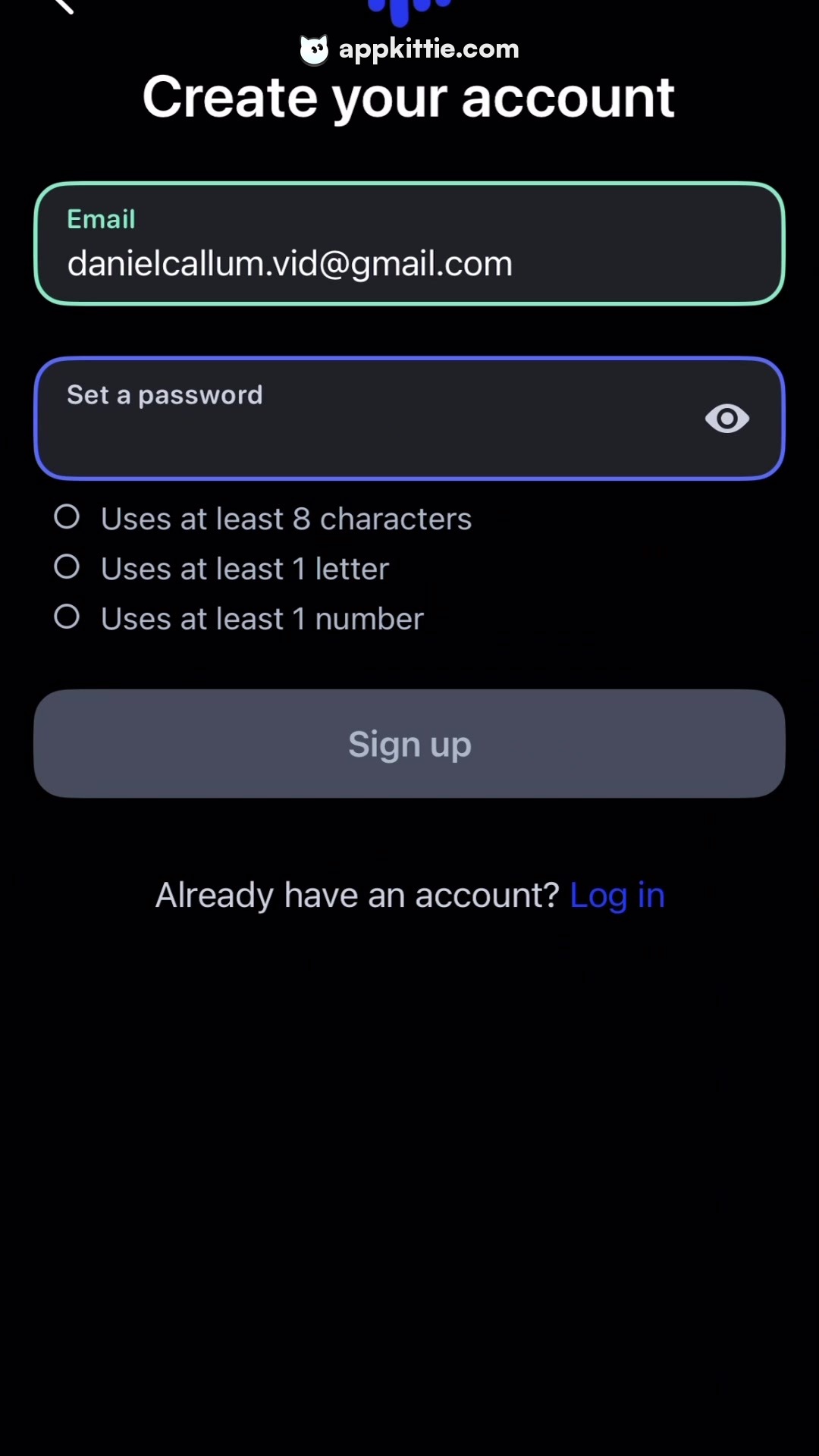
3Sign up
Colors
- #000000screen-bg · screen background
- #FFFFFFtext-primary · title · entered email text
- #181A20input-bg · text field background fill
- #7DF9C2input-border-active · email input focused outline border
- #4C6EF5input-border-blue · password input focused outline border
- #858B98placeholder-text · password field placeholder · email floating label
- #B1B6C4validation-text · password checklist items
- #3E4351button-disabled · sign up button disabled fill
- #8E93A1button-text-disabled · sign up button disabled text label
- #446BFAlink-blue · log in link text
Type
- titleSF Pro Display · 46px · 700 · #FFFFFF
- floating labelSF Pro Text · 19px · 500 · #7DF9C2
- input textSF Pro Text · 27px · 400 · #FFFFFF
- checklist ruleSF Pro Text · 22px · 400 · #B1B6C4
- button labelSF Pro Text · 26px · 600 · #8E93A1
Elements
email input field · input field
Full width with side margins, height roughly 120px · Dark rounded rectangle with mint/cyan border outline containing floating label and email value
password input field · input field
Below email field, height roughly 100px · Dark rounded rectangle with purple/blue outline border and trailing eye visibility toggle icon
password criteria checklist · list
Below password input, 3 rows with circular radio/bullet icons · Thin circular outlines followed by grey validation rule copy
sign up button · button
Centered below requirements, full-width, height approximately 88px · Rounded rectangle with muted desaturated slate fill indicating disabled state
Layout
Sign-up form layout with centered title at the top, two rounded text inputs with colored border highlights, validation rules, CTA button, and bottom login redirect.
Notes
Border colors on inputs reflect custom distinct states or accent colors per field.
Store


