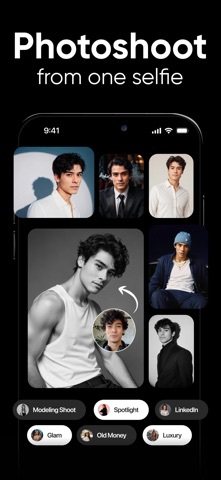
Shots: Photo & Video Generator
DeePix AI · Photo & Video · $2M/mo · 1M downloads · ★ 4.5
Screens9
9Quiz
Colors
- #FFFFFFbackground-primary · modal background · card surface · unselected segmented pill fill
- #EFEFEFsurface-light-gray · active segmented control tab background · tag chip default background
- #1C1B1Adark-surface · selected option card fill · primary text · selected chip text
- #DF933Eaccent-warm-gold · selected tag background · badge highlight · stepper button icon background
- #767676text-secondary · subtitles · descriptions · metadata labels
- #D6D5D2border-divider · card borders · tile outlines · tab separators
Type
- header-titleSF Pro Text · 28px · 600 · #1C1B1A
- onboarding-serif-headlineNew York · 32px · 400 · #1C1B1A
- card-titleSF Pro Text · 22px · 600 · #1C1B1A
- card-captionSF Pro Text · 15px · 400 · #767676
- chip-labelSF Pro Text · 16px · 500 · #1C1B1A
Elements
modal-close-button · icon_button
Top-left modal navigation bar, aligned left with padding. · Vector 'X' cross icon in monochrome dark gray without a container fill.
segmented-view-switcher · segmented_control
Center top modal bar; contains two tabs: 'Photos' and 'Collections'. · Enclosed light-gray pill container with an active white/light rounded-rect fill indicator on 'Photos'.
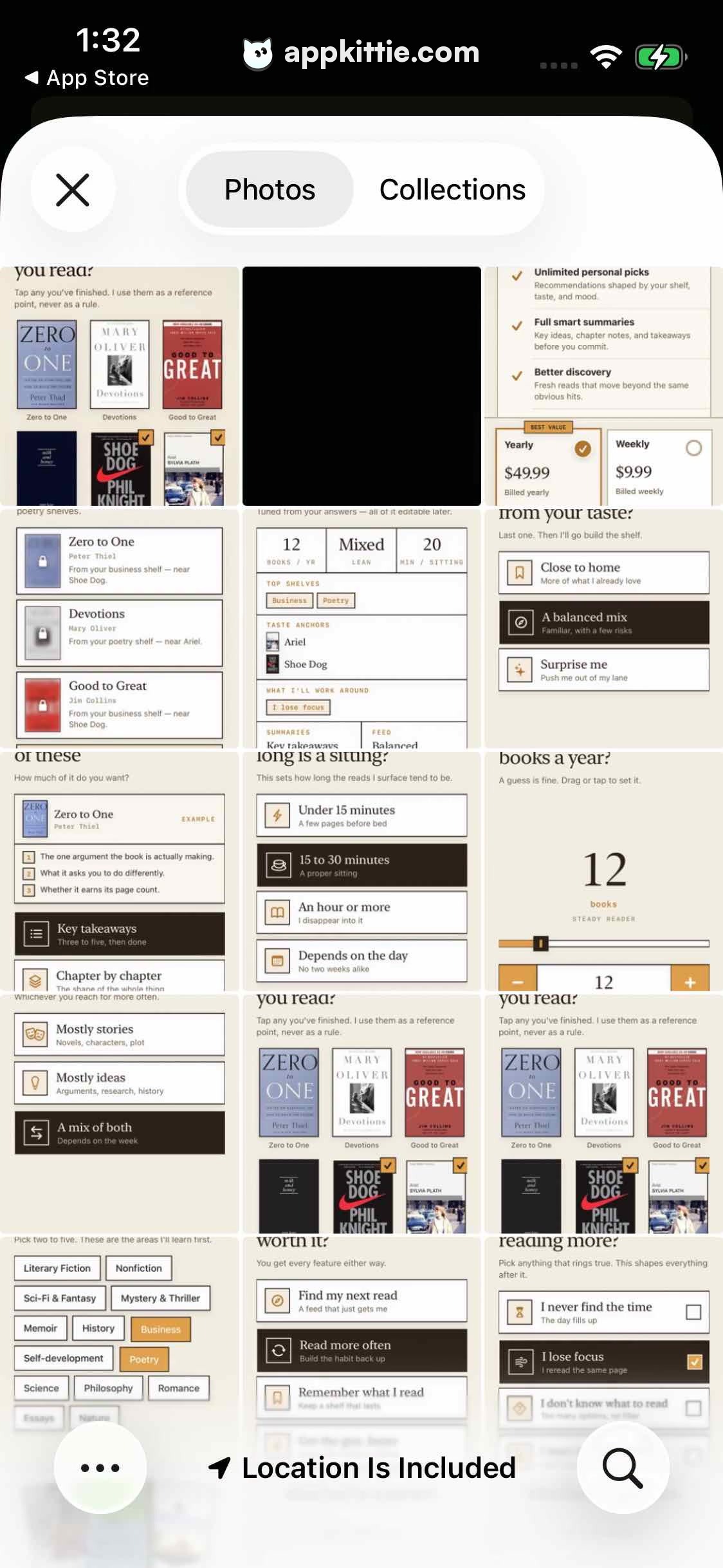
reading-flow-mosaic-preview · image_content
Occupies the full content area between the top modal bar and bottom footer toolbar, displaying a 3-column tiled collage of onboarding screens. · White-backed multi-screen grid showing onboarding selections: book covers with checkmarks, selection tiles, topic chips, and pricing options.
bottom-location-bar · toolbar
Fixed bottom bar spanning full screen width with center label, pagination dots, and right action icon. · Semi-opaque light background with location arrow, 'Location Is Included' caption, page dots, and circular magnifying glass icon.
Layout
Sheet modal / photo viewer presentation overlaying an app frame. The top contains a standard sheet header with a dismiss icon and segmented mode control. The central scrollable/zoomable viewport presents a multi-column collage of mobile onboarding interface wireframes/screens. The bottom has a pinned toolbar containing pagination dots, location indicator, and search button.
Notes
The primary subject in the screenshot is an image of an app onboarding flow viewed inside an iOS-style photo picker/viewer modal. Typography in the onboarding mockups alternates between a transitional serif for question headings and a clean sans-serif for interactive tiles and chips.
Store