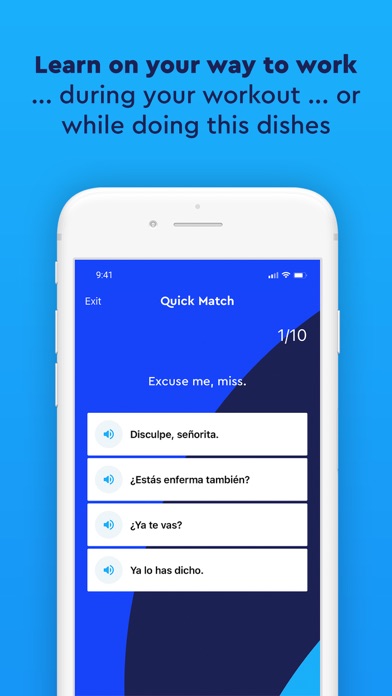
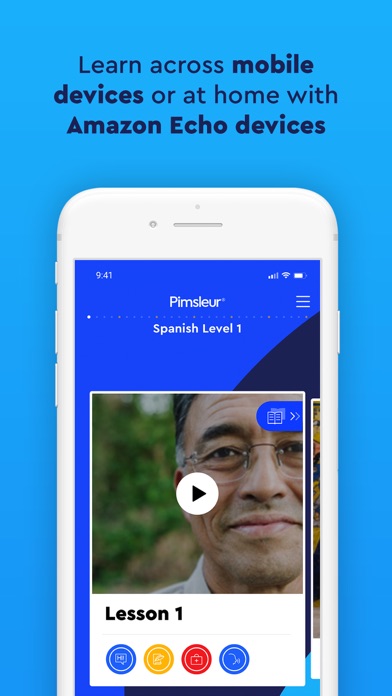
Pimsleur | Language Learning
Simon & Schuster · Education · $1M/mo · 85.2K downloads · ★ 4.7
Screens10
5Permissions
Colors
- #1B3CF0Heading Blue · Screen headline text · Mock dialog Allow text · Guide arrow stroke · Active continue button fill
- #181D45Body Navy · Body description text · Mock dialog title text · Nudge guidance text
- #F8FAFCMock Alert Background · Simulated system dialog background
- #4B5563Dialog Subtitle Grey · Mock dialog explanation text
- #2563EBDialog Button Neutral · Dialog action text
- #2CA8F5Frame Cyan · Outer decorative left border
Type
- TitleAvenir · 46px · 700 · #1B3CF0
- Primary BodyAvenir · 40px · 500 · #181D45
- Simulated Alert TitleAvenir · 38px · 600 · #181D45
- Simulated Alert BodyAvenir · 28px · 400 · #4B5563
- Guidance TextAvenir · 40px · 500 · #181D45
- Continue Button LabelAvenir · 36px · 600 · #FFFFFF
Elements
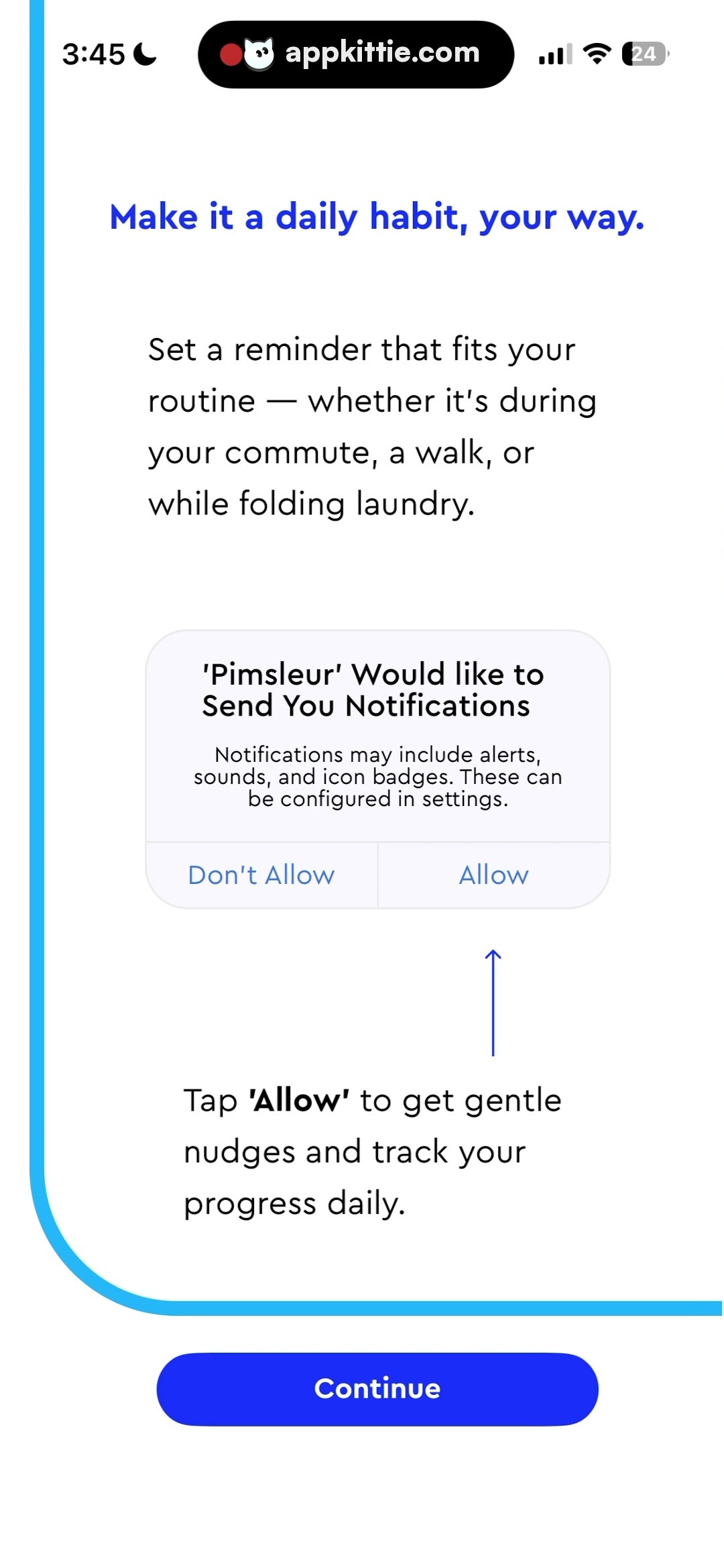
Simulated Permission Dialog Card · card
Centered horizontally in screen middle, width ~680px, height ~380px · Off-white rounded card with border stroke, divided bottom button bar mimicking iOS system alert
Guidance Arrow · icon
Vertical arrow below simulated 'Allow' button pointing upwards, height ~90px · Thin blue line vector arrow
Continue Button · button
Full width with side margins (~120px), height ~110px, near bottom edge · Solid bright cobalt blue fill pill with centered white text
Layout
Permission primer onboarding step with top explanation text, in-screen mockup illustration of the impending system prompt, arrow directing user attention, and a bottom primary button.
Notes
The alert shown is an in-app illustration/primer preceding the actual OS dialog.
Store