Photo Collage Maker PicJointer
Mosaic S.r.l. · Photo & Video · $1M/mo · 190.2K downloads · ★ 4.5
Screens7
7Content
Colors
- #5D6377header-slate · screen title · gear icon · active tab indicator
- #B5BAC7inactive-tab · inactive tab labels
- #E83A68layout-pink · layout template icon fill
- #B7BAC3disabled-cta · next button background
- #FFFFFFsurface-white · grid background · bottom sheet surface · next button text
Type
- header_titleMontserrat · 44px · 800 · #5D6377
- tab_labelMontserrat · 30px · 800 · #5D6377
- buttonMontserrat · 32px · 700 · #FFFFFF
Elements
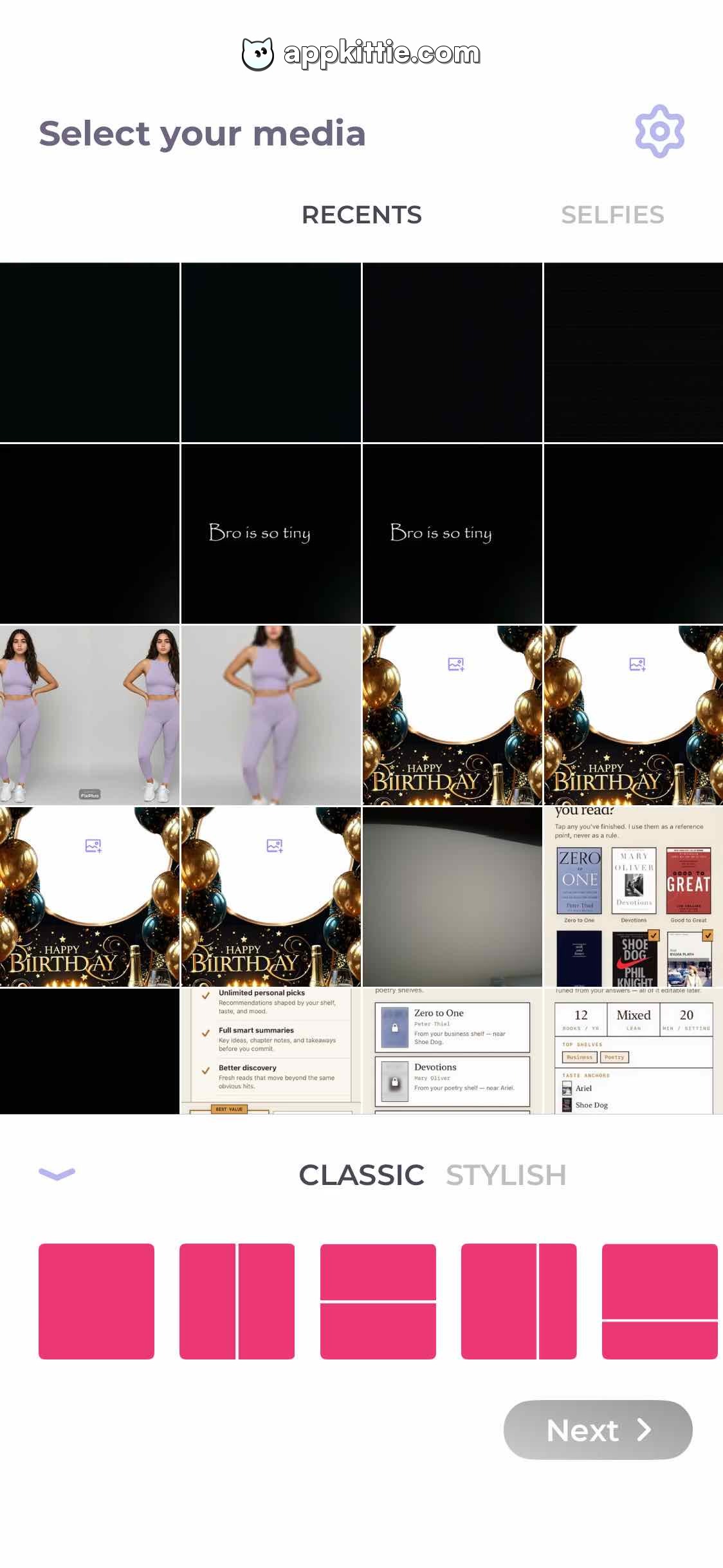
settings_button · icon_button
Top-right corner aligned with header · Outlined gear/cog icon in muted slate
media_filter_tabs · tab_bar
Horizontal row below header title with RECENTS and SELFIES options · Uppercase bold text with slate active and light grey inactive states
photo_grid · grid
4-column square photo thumbnail gallery spanning the middle screen section · Edge-to-edge square images with fine dividers
layout_selector_panel · drawer
Bottom anchored persistent toolbar/sheet · Top expand/collapse chevron, style category tabs 'CLASSIC' / 'STYLISH', horizontal layout thumbnail presets in bright pink, and a 'Next >' pill button on the bottom right
next_button · button
Bottom right corner of the layout sheet · Muted gray pill button showing 'Next >' in disabled or neutral state
Layout
Media selection screen featuring a top app bar with navigation and settings, tabbed media source filtering, a 4-column photo picking grid, and a bottom sheet housing collage templates and action controls.
Notes
Bottom sheet provides collage configuration before advancing to the canvas editor.
Store