
Instories: AI Photo & Video
Ylee Studio LTD · Photo & Video · $1M/mo · 200K downloads · ★ 4.8
Screens18
12Preferences
Colors
- #131317Background · page background
- #7B6CE6Progress Fill · active segment of header progress bar
- #292934Progress Track · unfilled segment of progress bar
- #3E3E47Dimmed Text · screen headline · instructions · section title · feature label
- #1A1A20Select All Surface · subtle button background
- #212127Disabled Button Container · inactive bottom CTA surface
- #40404CDisabled Button Label · inactive CTA text
Type
- TitleSF Pro Display · 52px · 700 · #3E3E47
- SubtitleSF Pro Text · 34px · 400 · #33333C
- Section HeaderSF Pro Display · 40px · 700 · #3E3E47
- Select All ButtonSF Pro Text · 28px · 500 · #3E3E47
- Feature LabelSF Pro Text · 28px · 500 · #383842
- Button LabelSF Pro Text · 36px · 600 · #40404C
Elements
Feature Grid · grid
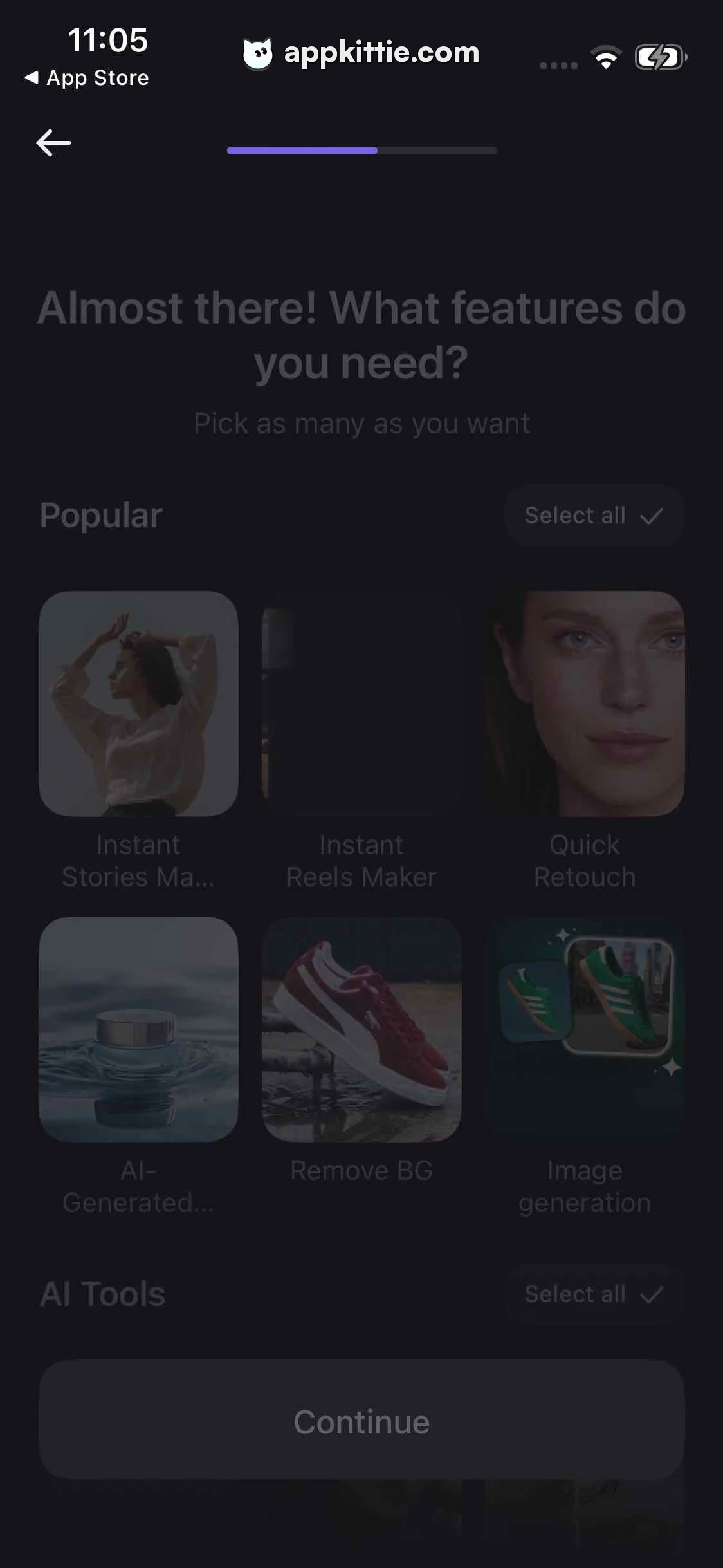
3-column grid of rounded square cards with centered label text below each tile · Heavily dimmed image previews with dark background containers
Select All Pill · toggle_button
Inline with section headers ('Popular', 'AI Tools'), aligned right · Dark rounded capsule with checkmark icon and text label
Bottom CTA Container · cta_button
Full width with side margins at screen bottom, height approx 140px · Dark charcoal grey fill with disabled low-contrast text
Layout
Onboarding feature selection screen in dimmed transition state displaying top bar, header, and 3-column category grids.
Notes
Similar to Screen 0, this screen is in a darkened/transitional state preceding or succeeding user interaction.
Store


