
Heyyyy: Stories that text back
heyyyyAI Inc. · Entertainment · $1.1M/mo · 184K downloads · ★ 4.7
Screens48
31Content
Colors
- #FAFAFDBackground Off-White · screen background · chat body background
- #271253Header Purple Dark · header contact name · back chevron · action plus icon
- #22C55EOnline Green · online presence indicator dot
- #8A8D9FSubtle Grey · online status label · placeholder text · empty state text
- #6C27DFAccent Purple · level badge fill · send button fill
- #E0E2EELevel Track Grey · level progress bar background track
- #F0F2F8Input Pill Background · text input pill fill
Type
- Contact NameSF Pro Text · 38px · 700 · #271253
- Status TextSF Pro Text · 24px · 400 · #8A8D9F
- Empty State HeadingSF Pro Text · 30px · 500 · #8A8D9F
- Empty State SubtitleSF Pro Text · 38px · 600 · #8A8D9F
- Input PlaceholderSF Pro Text · 32px · 400 · #8A8D9F
Elements
Chat Navigation Bar · app_bar
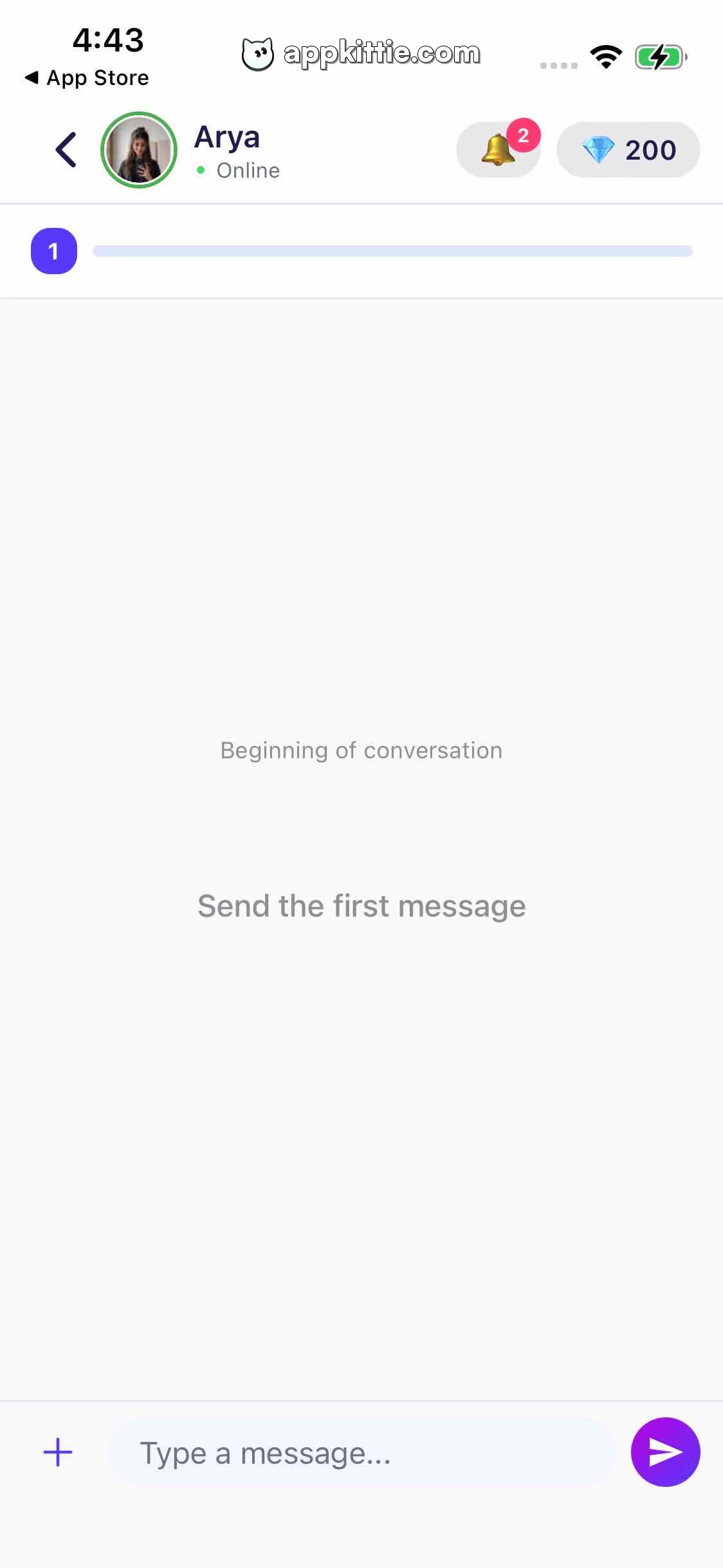
Fixed top bar with back button, circular avatar with green status indicator, name/status text block, and right-side bell/gem counters · White background with clean horizontal alignment
Level / Relationship Bar · progress_bar
Sub-header horizontal bar across screen width; circular badge '1' on left leading a light grey horizontal track · Solid purple circle badge with white number '1' and rounded pill track
Empty Conversation State · empty_state
Vertically and horizontally centered within the chat conversation area · Muted grey two-line text placeholder without illustration
Message Input Bar · input_group
Fixed bottom container with '+' media button, rounded text field, and send button · White panel background, grey rounded text input, circular vibrant purple send button with white arrow
Send Button · button
Right end of input bar, circular button 84px diameter · Solid purple fill with white paper airplane icon
Layout
1-on-1 chat screen featuring a detailed navigation header with user profile status, relationship progression bar below header, open chat body with centered empty-state copy, and bottom floating input bar.
Notes
The conversation is fresh with no messages sent yet.
Store


