
Gizmo: AI Tutor
GIZMO AI LTD · Education · $1.5M/mo · 767.8K downloads · ★ 4.8
Screens24
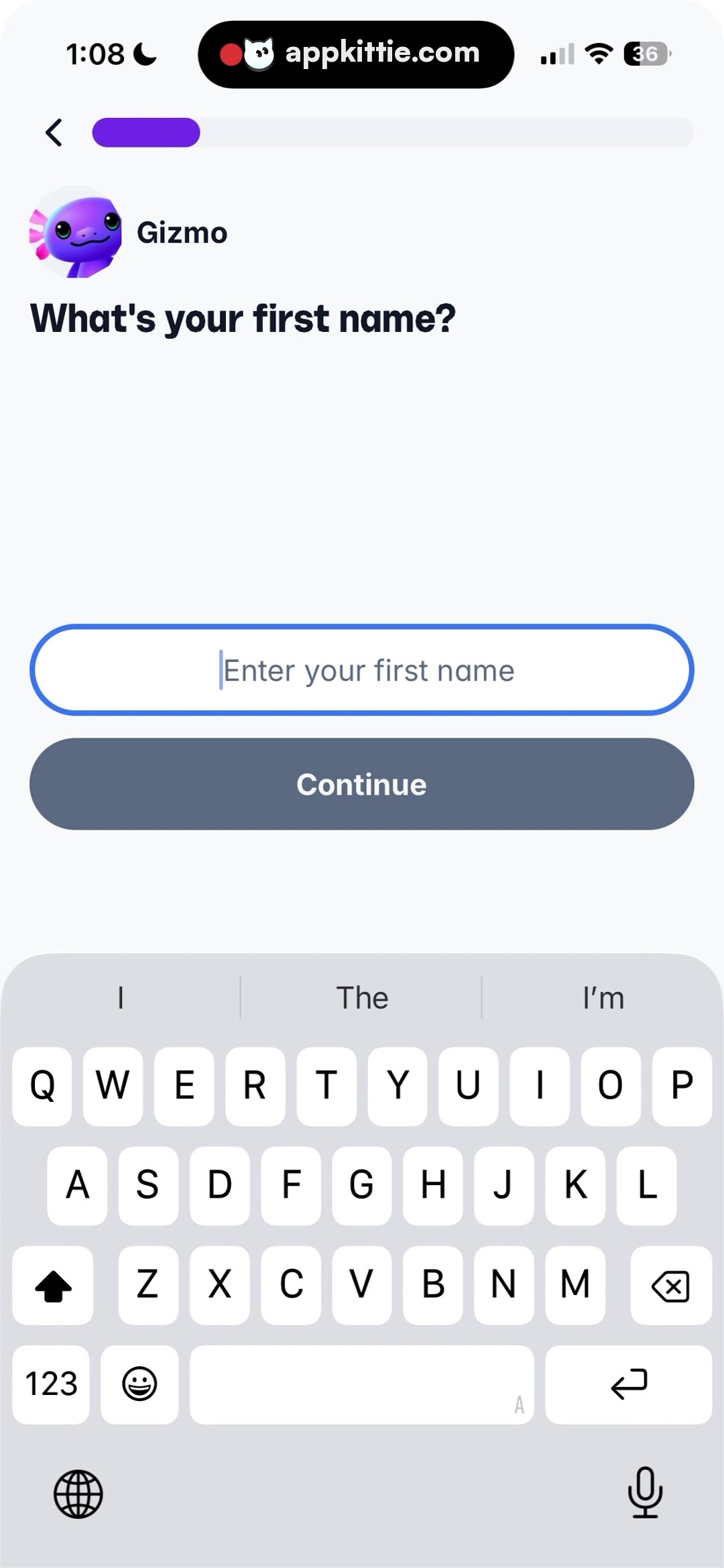
4Sign up
Colors
- #F9FAFCBackground Off-White · Screen background
- #111827Primary Dark · Heading text · Back icon
- #6F32E6Brand Purple · Progress bar active fill
- #4B82F6Input Border Blue · Active text field border · Cursor line
- #6B7280Input Placeholder · Placeholder text
- #5A6E85Button Disabled Slate · Disabled CTA button fill
- #D1D5DBKeyboard Gray · Software keyboard background
Type
- Screen TitleSF Pro Display · 38px · 800 · #111827
- Input Text PlaceholderSF Pro Text · 28px · 400 · #6B7280
- Button LabelSF Pro Text · 26px · 700 · #FFFFFF
Elements
Progress Track · Progress Bar
Top row beside back button · Gray background track with purple rounded progress fill extending ~20%
Name Input Field · Text Input
Centered vertically in visible canvas above the CTA · White rounded rectangular container with a distinct royal blue border and centered text alignment with cursor
Continue Button · Primary Button
Immediately below input field · Rounded pill with slate gray fill and white bold text
System Keyboard · Virtual Keyboard
Docked along the bottom edge occupying lower ~40% of viewport · Standard iOS light mode on-screen virtual keyboard
Layout
Form step screen focused on single field entry with on-screen keyboard invoked; actions sit directly below input field in upper scroll area.
Notes
Continue button appears disabled or inactive in gray because input has not yet been populated.
Store


